JamStage
In-Store Kiosk
In-store experience
Turn your store into a Random Play Dance stage.
The JamStage Kiosk runs live, big-screen dance battles right in your store. Customers join by PIN or app, scores update in real time, and your promotions play between songs — all on autopilot once an event is scheduled.
Choose your hardware
Kiosk models
Two display sizes to fit your space — pick a portable battery-powered unit or a large-format stage screen.
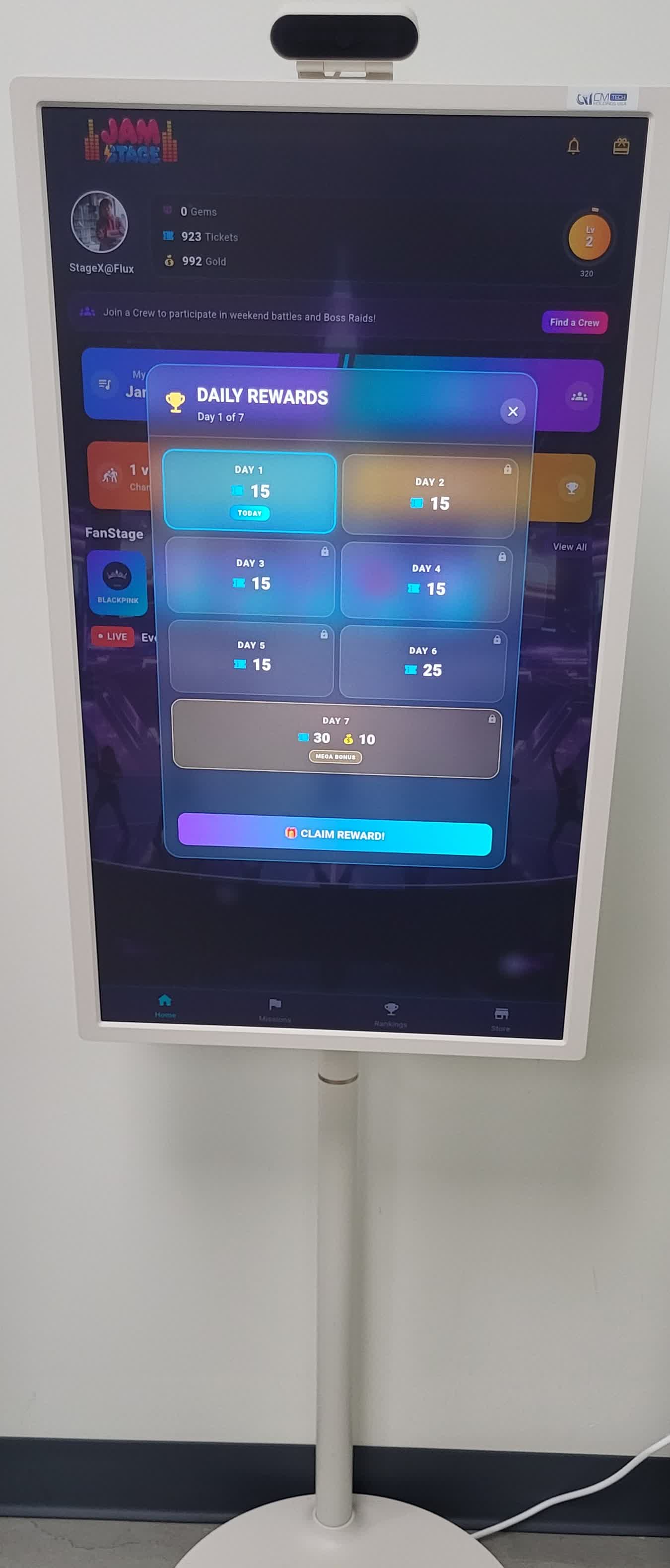
JamStage-KA32
Portable, battery-powered kiosk for flexible placement.
- Wired power
- ~2 hr built-in battery
- Speaker included
- Wi-Fi connectivity
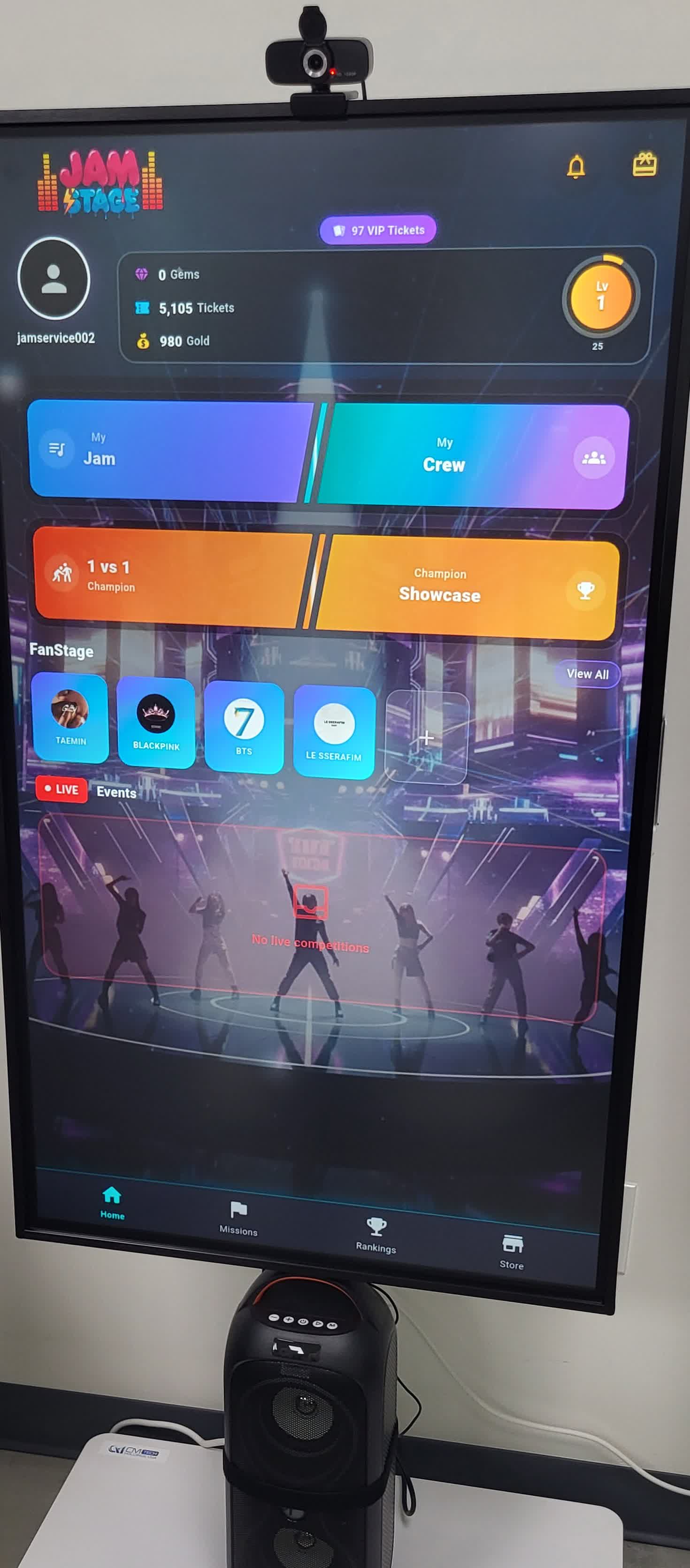
JamStage-KA49
Large-format stage screen for high-impact in-store setups.
- Wired power
- Wi-Fi connectivity
- Speaker (optional)
What it does
Main features
Free K-Pop dance practice & battles
Customers practice K-Pop dance and battle on the kiosk at no cost — JamStage loads the kiosk with Dance Tickets and Gold, so anyone who walks in can jump in and play for free.
1:1 battles with two kiosks
Install two kiosks and customers can go head-to-head in real-time 1:1 dance battles — both players join the same match at the same time.
FanStage showcase recording
Customers pick the FanStage they want and record their own showcase performance video right on the kiosk.
Optional · with a big screen
Host store-exclusive RPD events
Already have a large display? The kiosk can run your own mini Random Play Dance events on it — here's what that includes.
Live on your own big screen
Use the large display you already have. Your store computer connects to it over HDMI to output video and audio, while a webcam on that computer films the live Random Play Dance action — so the in-progress session, leaderboard, and now-playing song play out on the big screen for everyone to watch.
Customers join from the app
Visitors install the JamStage app and join your in-store events right from their phone, then watch their score climb live. Your store can plan a variety of events to bring participants in.
In-store ad carousel
Your store promotions rotate on the big screen between songs and during lobby — turning play time into screen time for your brand.
Behind the scenes
Kiosk support features
Manage everything from the JamStage admin dashboard — schedule your in-store events and keep track of what you earn.
Store RPD event scheduling
Create an in-store Random Play Dance event, set the songs, date, and entry, then publish it. The kiosk picks it up automatically and runs it live at the scheduled time — no manual start needed. Plan a single event or batch a full week ahead.
- Create → publish → auto-run
- Pick songs, schedule, and entry
- Batch a whole week at once
Store RPD revenue sharing
When customers join your in-store events, your store earns a share of the ticket entry fees they spend to play. Every event's participation and earnings are tracked for you, and payouts are settled monthly — with kiosk-device plays automatically excluded so your numbers stay clean.
- Earn a share of event ticket entry fees
- Participation & earnings tracked per event
- Settled monthly, kiosk plays excluded